Travel
Check the Mac at home, handle a dialog, and run a short task.
Kyrifix Control
View and control an authorized Mac that is already on, and hear its system audio on your iPhone.

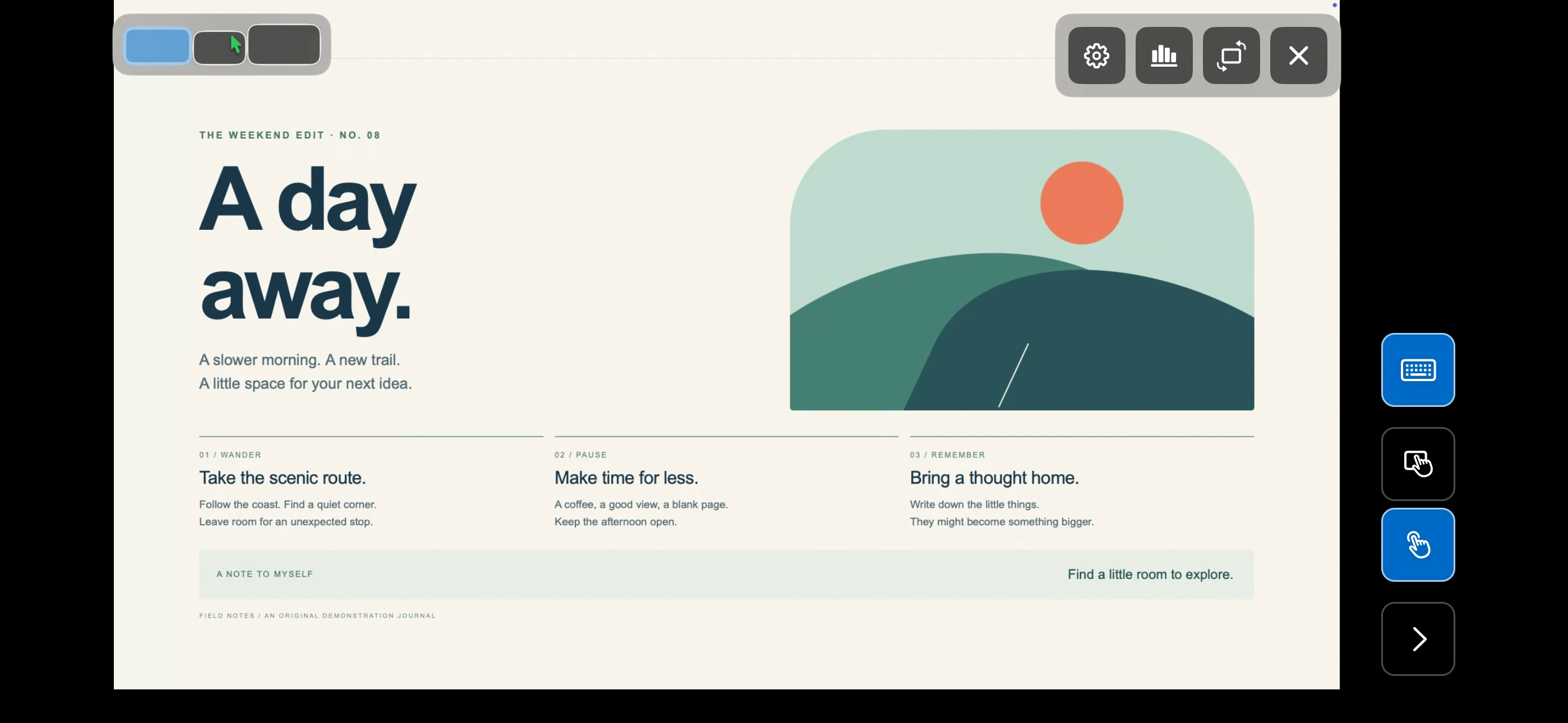
2:18 · English narration and subtitles
Recorded on Mac and the iOS Simulator.
Watch on YouTube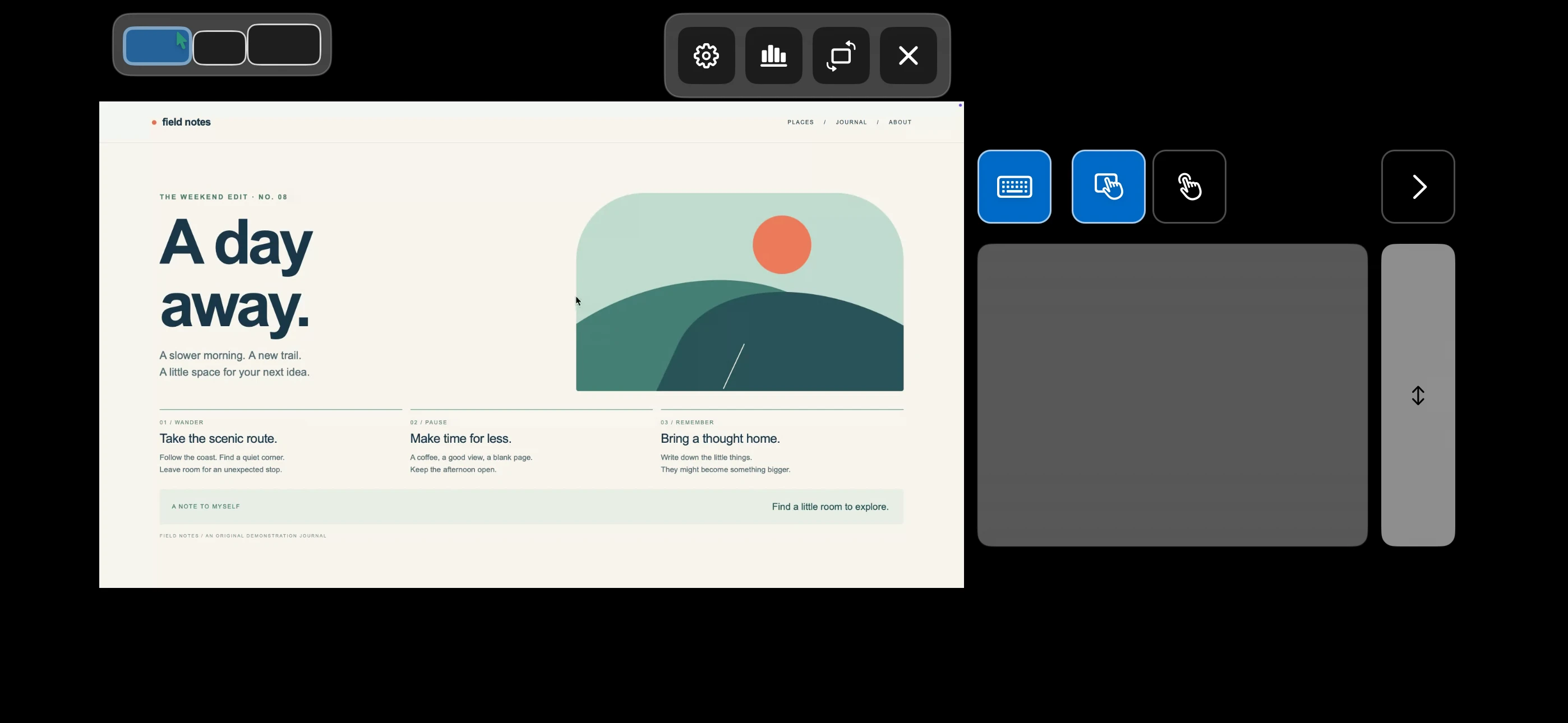
Your gestures guide the Mac pointer.
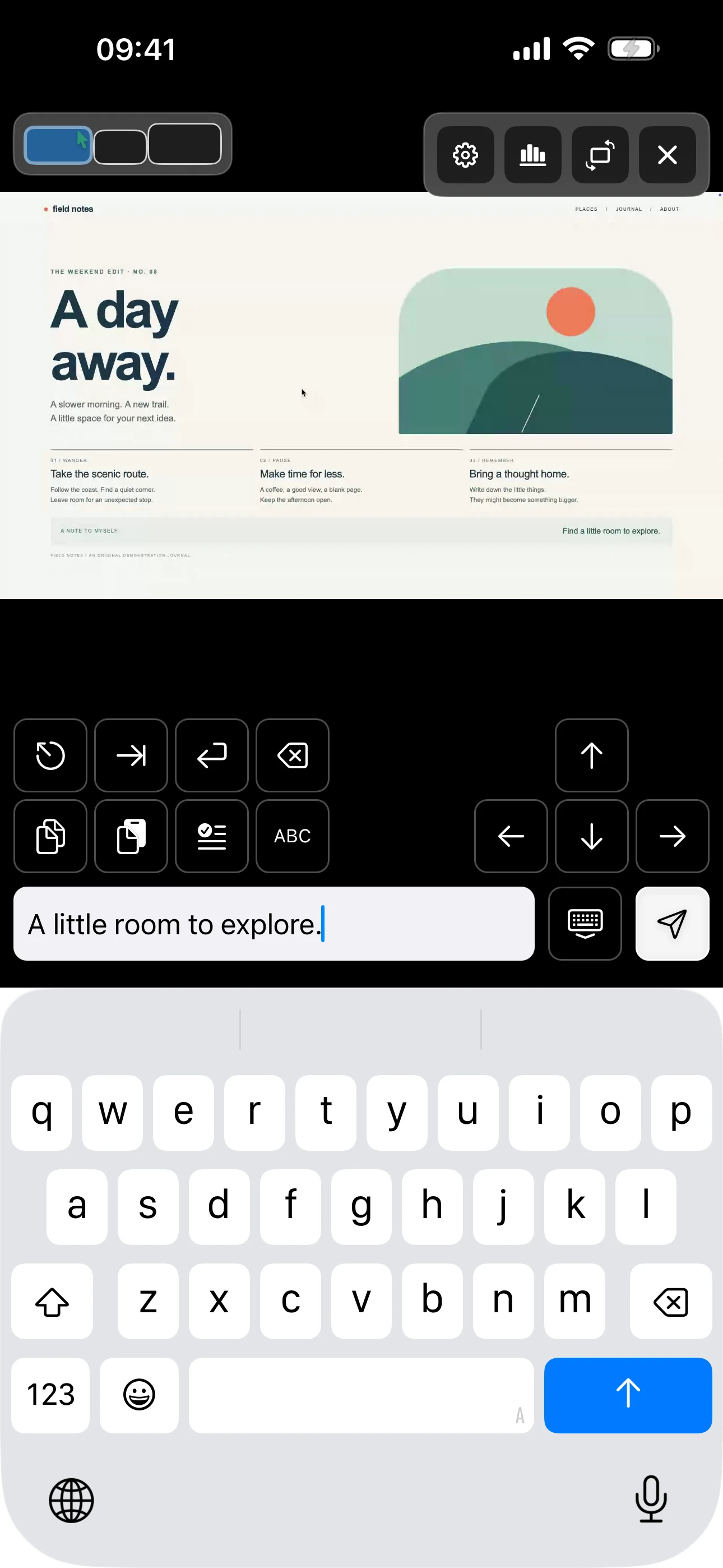
Your keyboard carries your words to your Mac.
These images show the app in English.
Check the Mac at home, handle a dialog, and run a short task.
Check a download, export, or build from the sofa and complete one action.
Read a result, edit a small piece of text, and run a command again.
Choose a paired Mac and view the status currently shown by the app.
These guides explain Mac mouse actions, screen-sharing choices and frozen-app recovery.
The app uses a direct connection when the network allows it.
Configure and test your own coturn URI, username, and password in Network / TURN.
Subscribe to Kyrifix relay service; the app receives the required short-lived credentials from your entitlement.
Grant permissions and enable unattended access on the Mac. Each trusted iPhone can be removed from either device.
Use the remote screen with pointer, scrolling, mouse buttons, keyboard, text, and shortcuts; system audio plays on iPhone.
Install on Mac, allow screen capture and Accessibility, scan the pairing code with iPhone, and save the trusted iPhone on Mac. Enable audio capture for remote sound.
Yes. Pair before leaving; keep the Mac on with the agent running and an active display. Choose the paired Mac and connect.
Yes. The remote session carries Mac system audio to iPhone.
Yes. Select from paired Macs and view the status currently shown by the app.
Configure your own TURN relay or subscribe to Kyrifix relay service.
The current release target is iOS and macOS; final version and processor support are confirmed with the release build.