Bring your own material
Enter original text and translations, or select a UTF-8 .txt or .md file. Preview the sentence pairs before saving.
Kyrifix Recall · iPhone + Mac
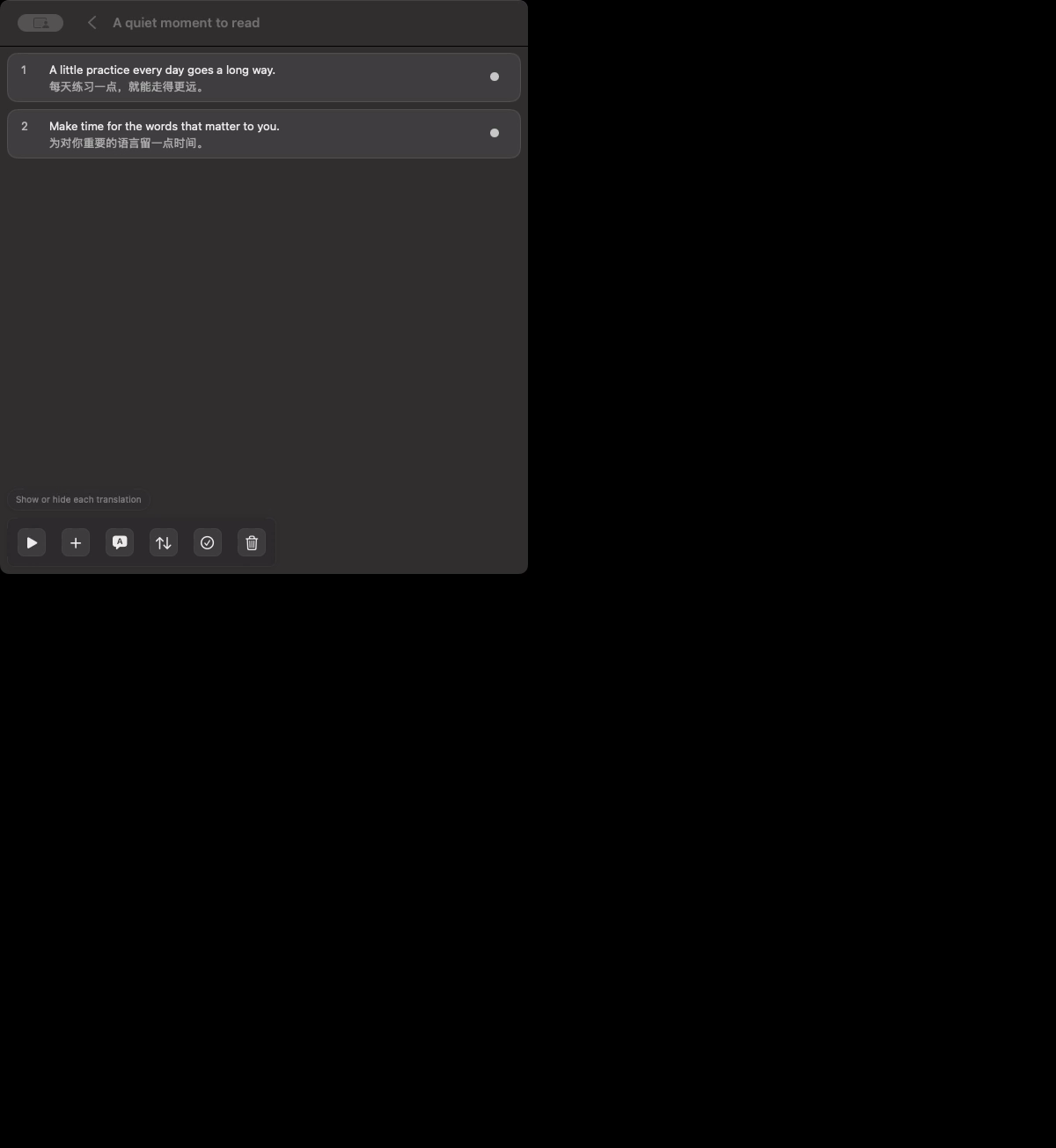
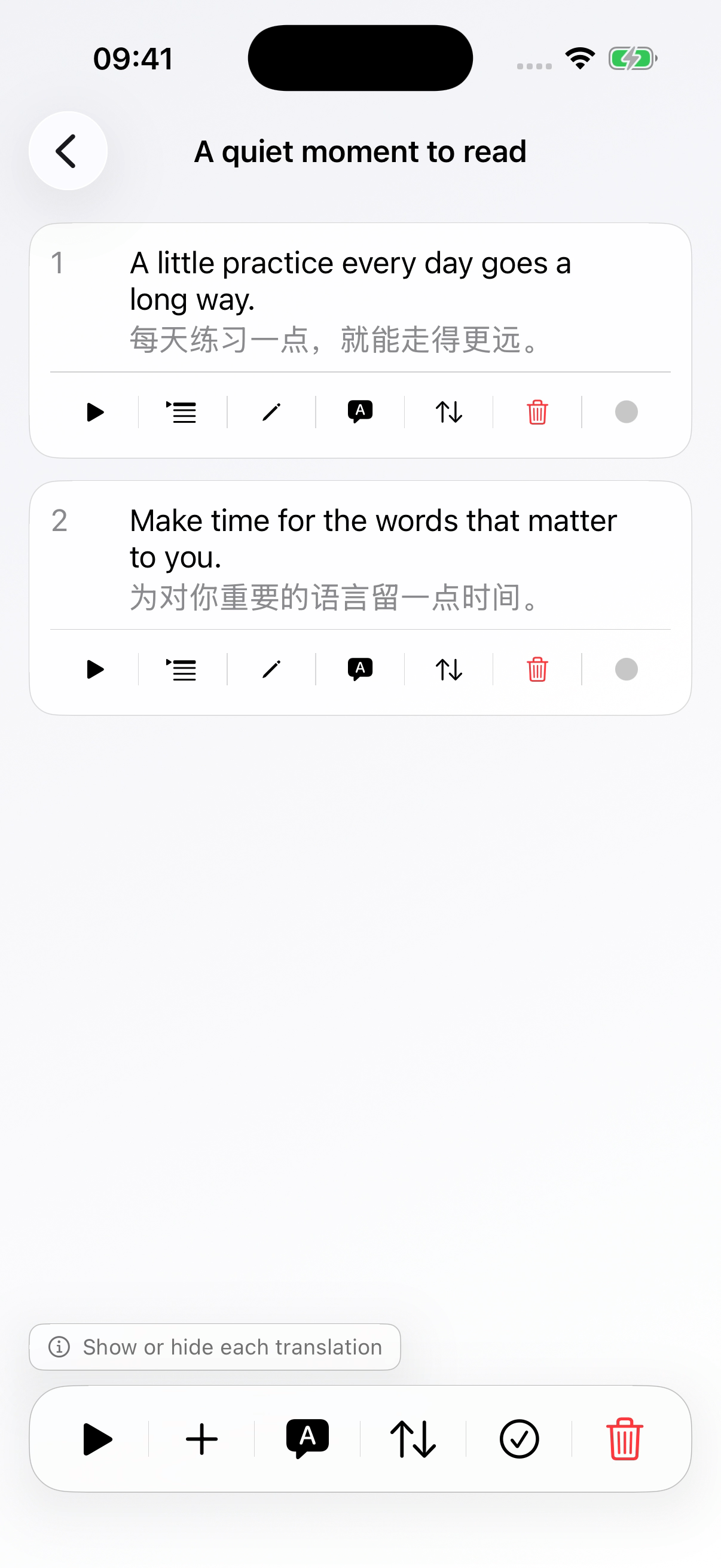
Keep your original text and translation together. Read, listen, hide translations and mark familiar sentences on iPhone and Mac.
Loading this player connects to YouTube. Google processes connection and playback information under its privacy policy; the player may show ads. Google Privacy Policy
Watch on YouTube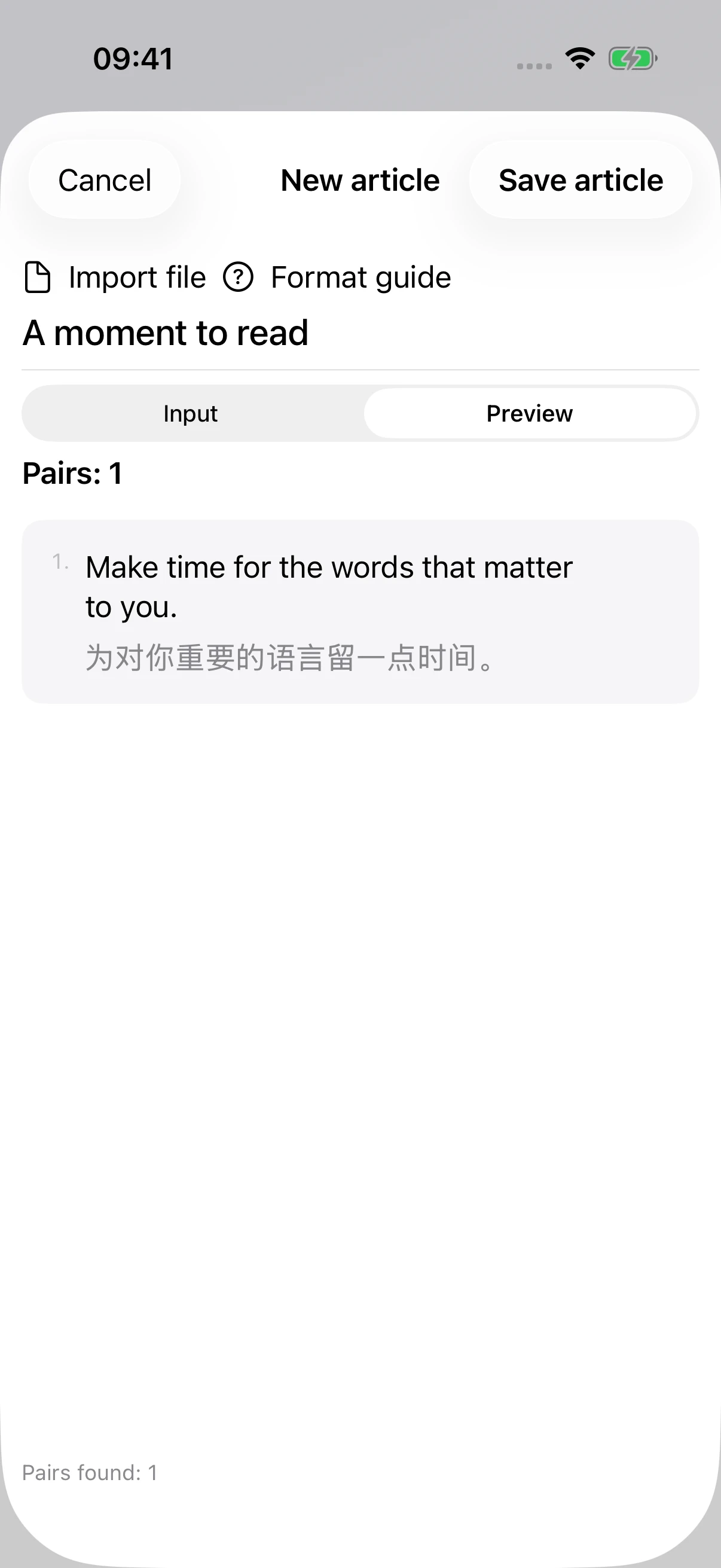
Your preview keeps sentence pairs together.
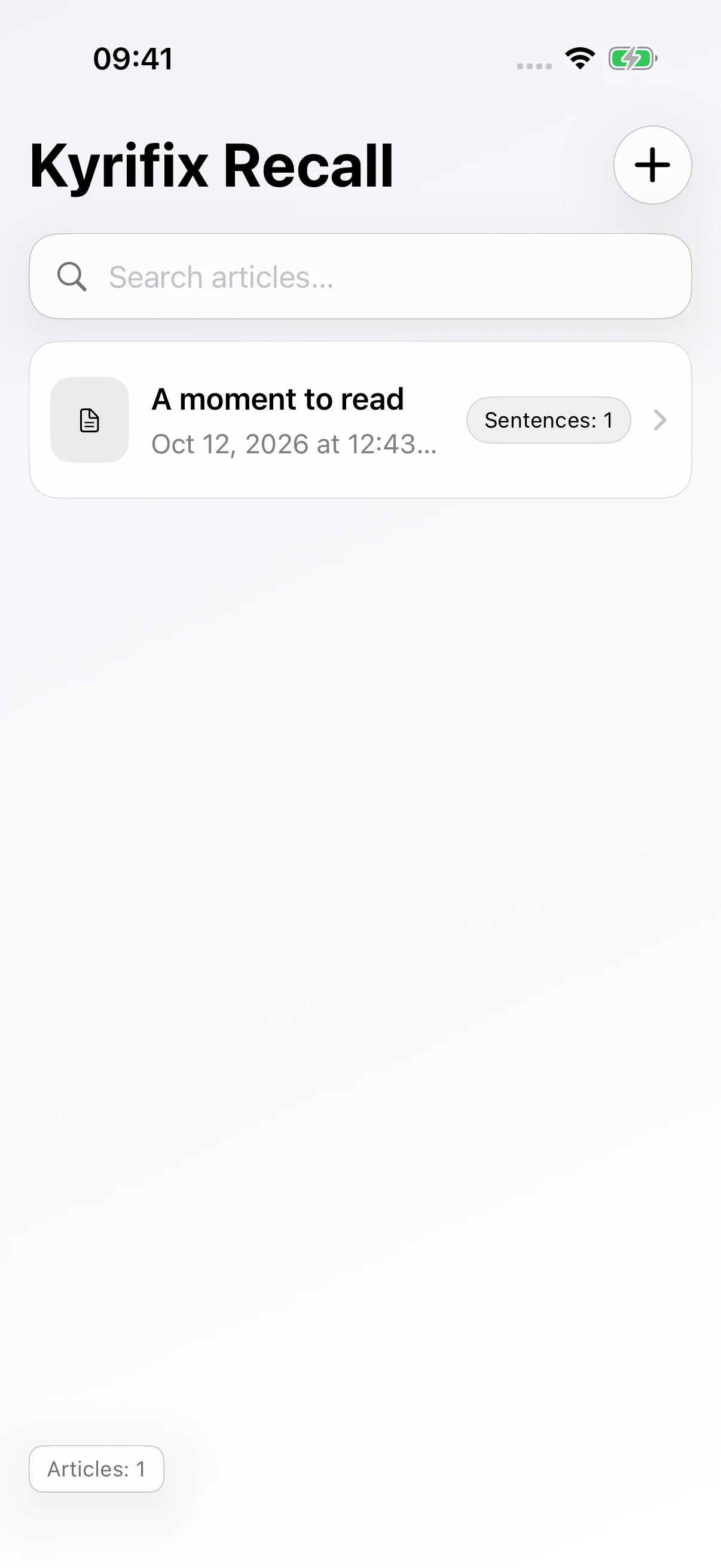
Your library keeps your articles within reach.
These images show the app in English and Chinese.
English narration and subtitles. The sync demonstration uses CloudKit Development and an iPhone simulator; cloud waiting is shortened.
Enter original text and translations, or select a UTF-8 .txt or .md file. Preview the sentence pairs before saving.
Show both languages, hide a translation to practise recall, or switch which language comes first.
Use built-in speech for a sentence or continue from that sentence. Choose your own familiarity level from 0 to 10.
Find articles by title. iCloud sync keeps your articles and sentence settings across devices signed in to the same Apple Account.
You provide both the original and the translation. Recall brings them together for reading and practice.
Sign in to the same Apple Account on iPhone and Mac and allow iCloud access. Sync depends on network availability and Apple’s service scheduling.
You choose a familiarity level from 0 to 10 to mark sentences you want to revisit.