Meetings, calls, and system audio
Read the conversation live, then search a keyword and reopen the original sentence after the meeting.
Caption turns system audio, microphone input, and app audio into live captions. Import local media to generate, revise, export, or burn subtitles into video, then search a session and reopen a sentence at its timecode.
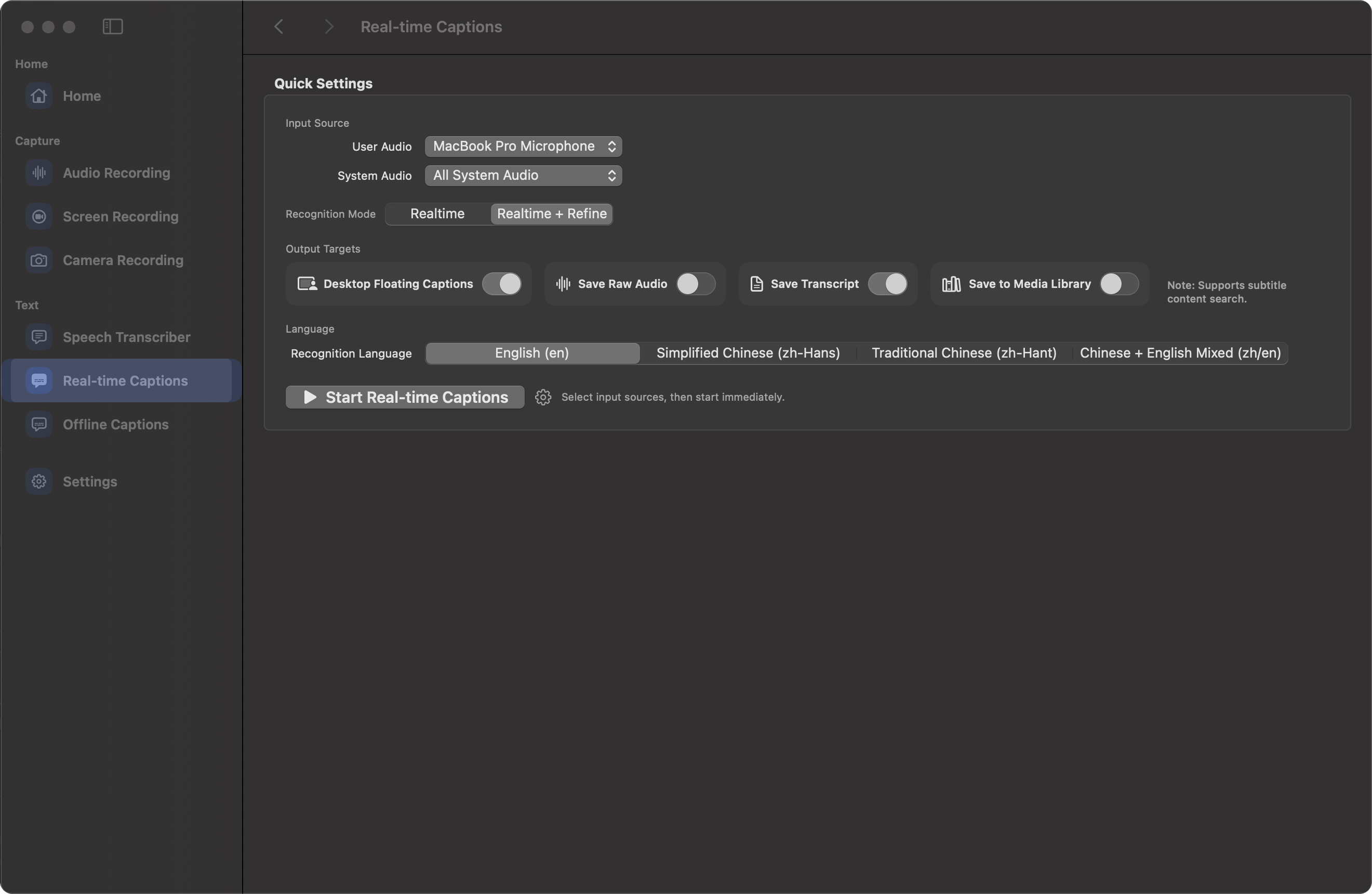
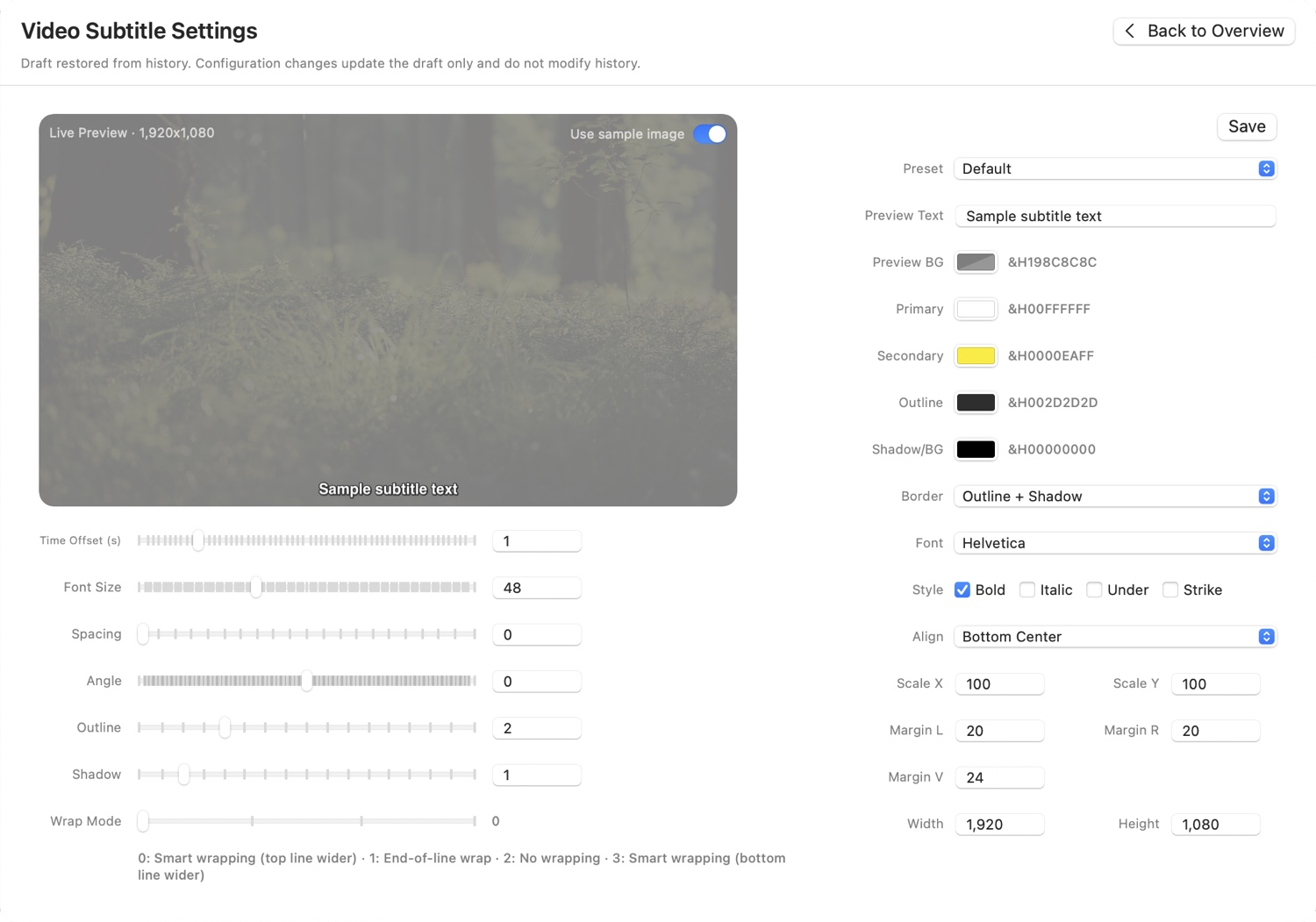
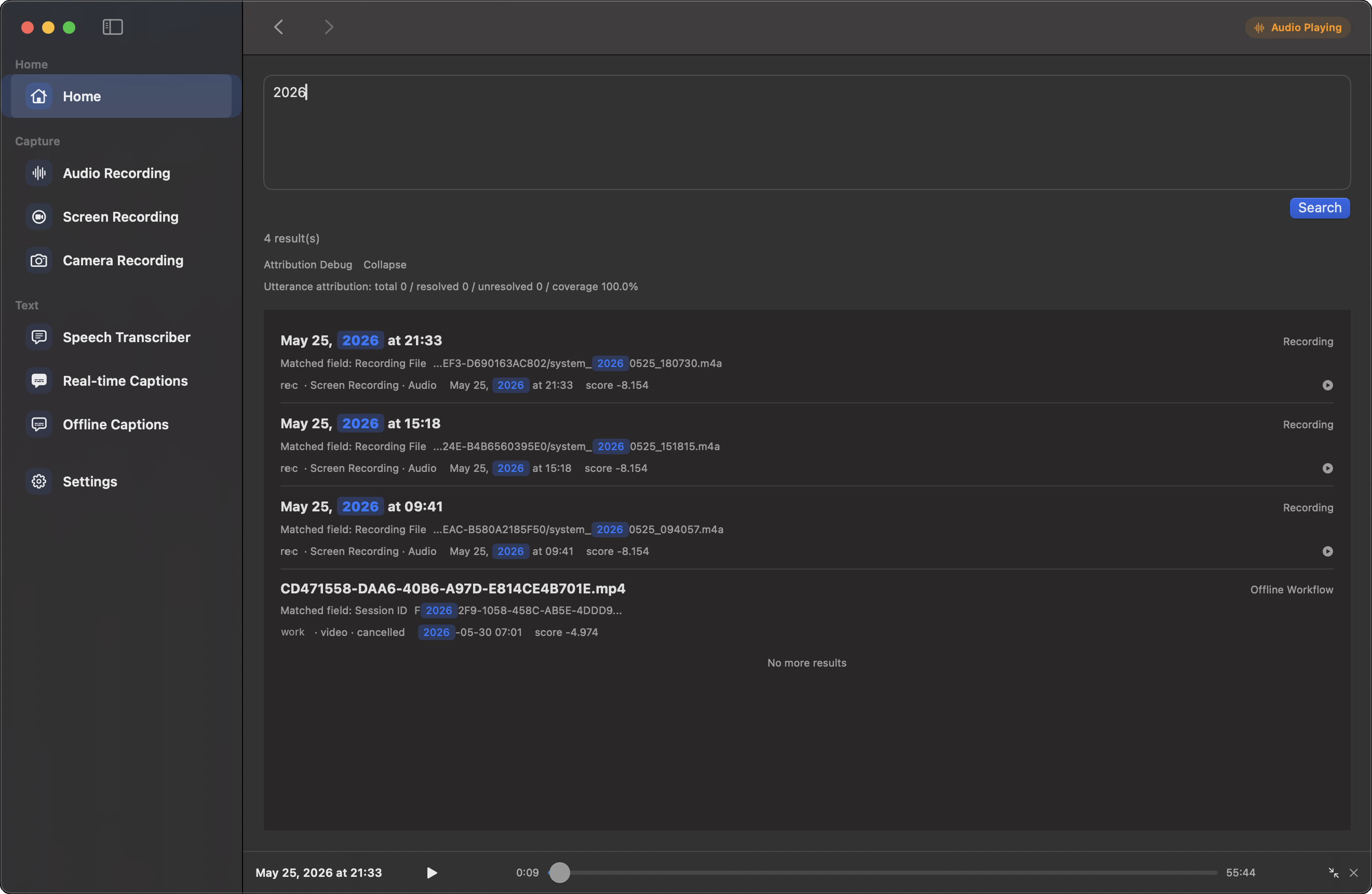
Caption automatically generates captions from selected Mac audio or imported local media. Add audio recording or screen recording to the session, then revise and export the subtitles or reopen a recorded sentence by timecode. For language practice, learn English with subtitles or learn Chinese with subtitles while listening to classes and media.
Read Mac system audio, microphone input, and app audio as live captions; create subtitles for local media; burn subtitles into video; and search session history by keyword and timecode.
Caption captures system audio, microphone input, and app audio together and turns speech into live captions.
Follow meetings, calls, classes, and demos as Caption displays speech in real time.
Import local audio or video, generate subtitles, and revise the text.
Export the revised subtitle file or render the subtitles directly into the video.
Search a keyword in session history and reopen the matching sentence at its original timecode.
Read the conversation live, then search a keyword and reopen the original sentence after the meeting.
Display the explanation as live captions, then export the session for review or delivery.
Generate subtitles, revise them, export a subtitle file, or burn the final text into video.
free
Active by default. Monthly or Yearly starts when you subscribe.
USD $9.99 / month
Taxes calculated at checkout.
USD $89.99 / year
Taxes calculated at checkout.
Choose system audio, microphone input, or app audio. Caption captures the selected sources together and displays their speech as live captions.
Import a local audio or video file. Caption generates subtitles that you can revise and export.
Choose burn-in export after revising the subtitles. Caption renders the subtitles directly into the video.
Search the session history with a keyword. Caption opens the matching sentence at its original timecode.
Caption runs core capture and subtitle processing on your Mac for meetings, training, and local media.
Use live captions to read speech during a meeting, call, class, or demo. Use offline subtitles to revise, export, reuse, or embed captions after importing local media.
Choose the meeting app audio, Mac system audio, or microphone as the source. Caption displays live text, saves the session with time points, and lets you search the conversation afterward.
Open setup steps, subtitle guides, timecode search, release notes, and support.